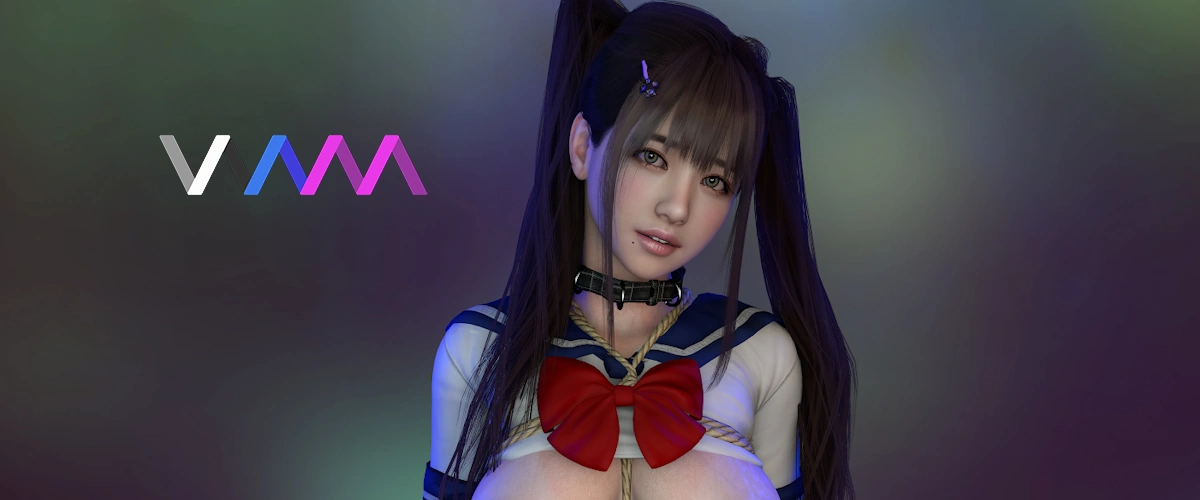
First off, Virt-A-Mate is not a traditional game with quests or a built-in world. Instead, you load or create scenes, customise characters in detail, and step into them in full VR or desktop mode. Basically, it’s one of the most powerful adult VR sandboxes ever made.
The trade-off: VaM isn’t what you would call plug-and-play. It has rather a steep learning curve, and many users rely solely on community-made scenes, models and plugins to get the most out of it. But once you understand how it works, or simply download the content others create, that’s when the fun begins.
At a glance
- Genre: Adult VR sandbox and scene creator
- Platforms: Windows PC (VR and desktop mode)
- VR support: Works with most VR headsets
- Skill level: Beginner friendly only if you use community content
- Pricing: Free demo plus paid tiers and one-time bundle options
- Modding: Huge creator community with thousands of downloadable assets
Elena’s rating:
How Virt-A-Mate works
Virt-A-Mate runs more like a creative sandbox than a classic game. You load or build scenes, place characters, adjust their bodies, clothing and lighting, and then interact with everything in desktop or VR mode. Most players do not create everything from scratch. Instead they download ready-made scenes, models and plugins from the built-in community hub, which makes things a lot easier.
Virt-A-Mate also supports plugins that add new features, shortcuts or automation. This is why many users call it a flexible tool rather than a game. The more you explore the hub and the more content you download, the better the whole experience becomes.

Character creation and customization
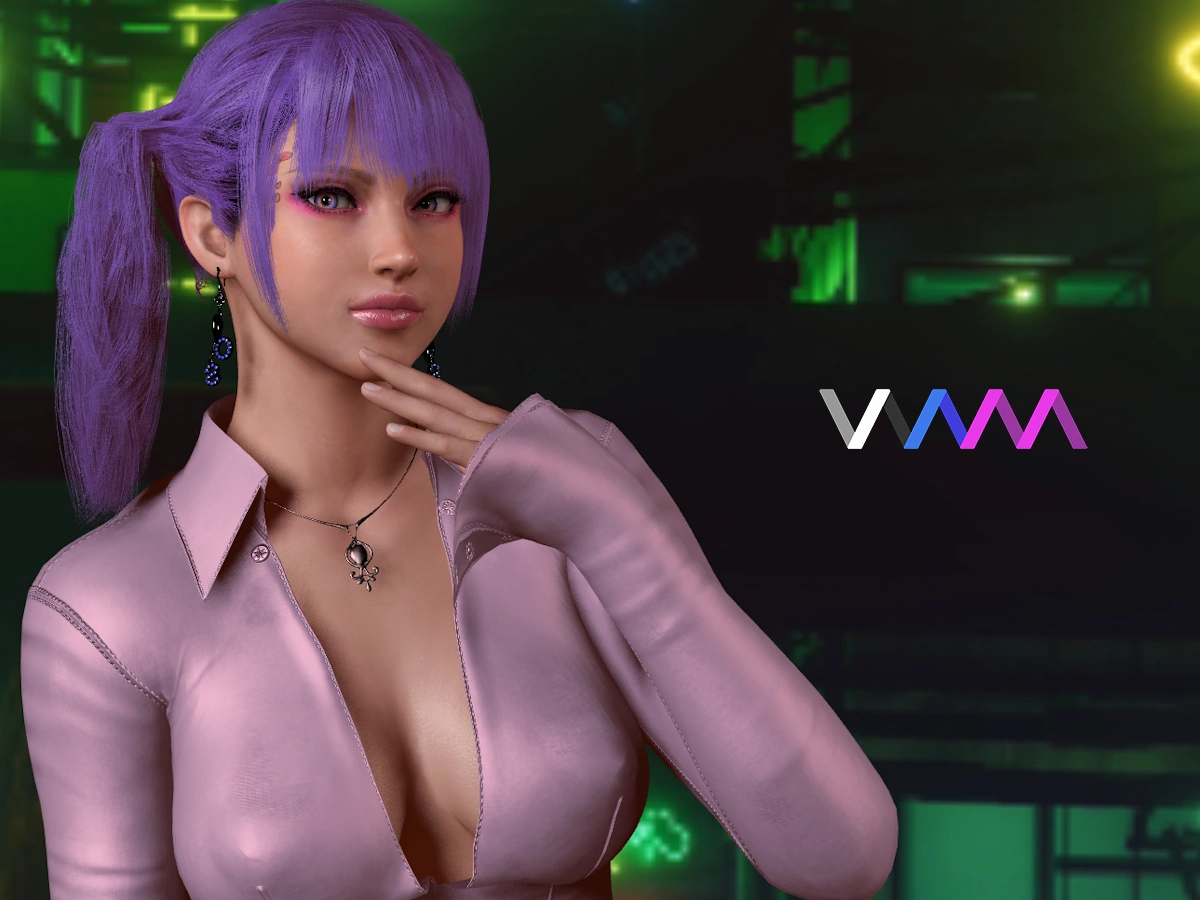
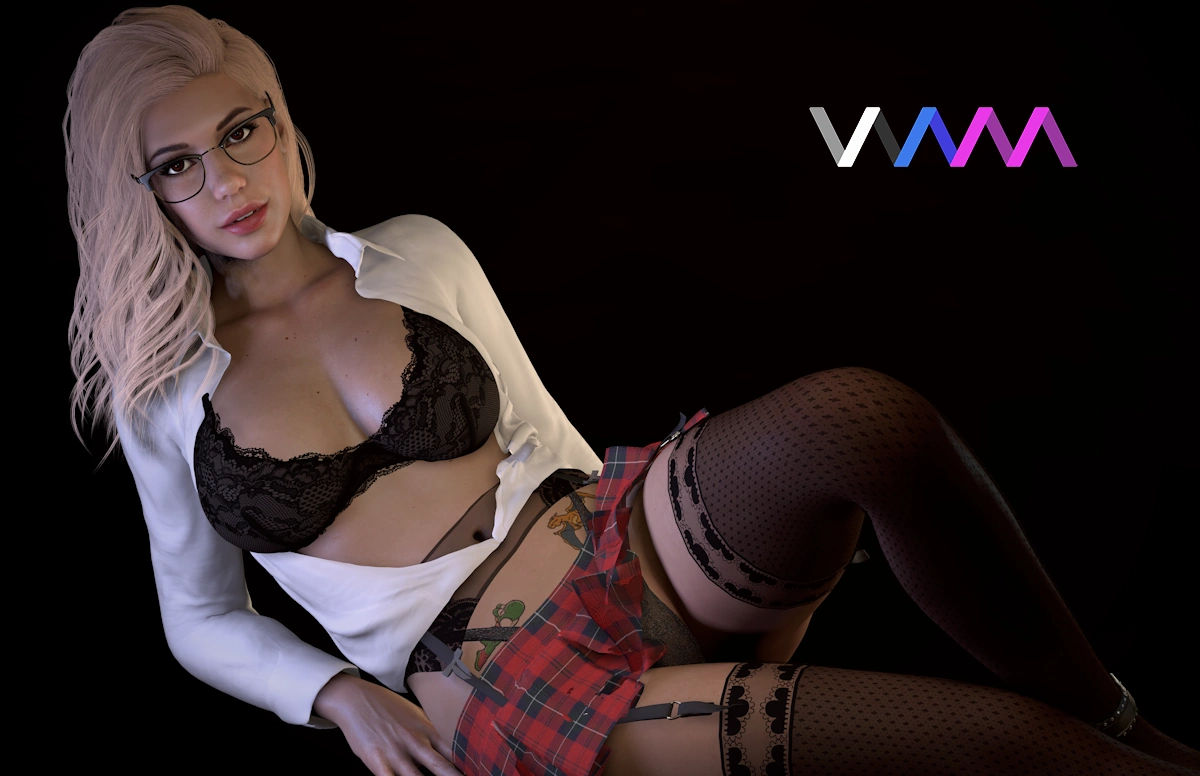
Character creation is one of the strongest parts of Virt-A-Mate. You can adjust almost every detail of a model, from body shape and skin textures to facial features, hairstyles and clothing. Everything updates in real time, so you see the changes as you go.
If you do not want to build a character yourself (many don’t), you can just download premade models from the community hub. Many creators share full character presets. This makes it easy to get high-quality results without learning all the editing tools first. Clothing and accessories work much the same way.
Physics and interaction
The physics system is what gives Virt-A-Mate its reputation. Bodies react and move in real time, and when a scene is well made, the realism can be impressive. It is not magic though: some scenes feel great, others feel rough or buggy. It depends on the scene and also if your PC can handle it.
Interaction ranges from basic touch and movement to full scripted animations made by the community. Many scenes also use plugins to add shortcuts, better movement or quality-of-life features. Basically: if you pick the right creators to follow, the game becomes a lot more fun, a lot faster.
Graphics, realism and performance
Lets be real: this game is heavy on the hardware. Most character models use detailed textures, soft-body physics and real-time lighting, which means the visual quality depends a lot on your hardware. A simple scene will run fine on a mid-range PC, though.
Performance can vary a lot from scene to scene. Some creators optimise their work well, while others build huge setups that hit your CPU or GPU hard.
VR experience
Most users agree that while the game looks good on desktop, VR is where it really shines. Virt-A-Mate was clearly built with VR in mind. When you load a good scene with a proper headset, the sense of presence is on a different level. Characters feel more natural in VR than on desktop, and things like movement, body physics and eye contact stand out a lot more when you are actually inside the scene.
Controls are also different in VR. You can interact more naturally, move around the scene, and adjust things without digging through menus. It takes a little getting used to, but once you settle in, VR is by far the best way to enjoy this game.
Community content and mods
The community is frankly huge. Most players download scenes, models, clothing, hair and plugins directly through the built-in hub, where you can find thousands of creator-made assets, ranging from simple poses to full interactive environments.
Mods and plugins also add extra features or shortcuts that make scenes easier to use.
Subcscription models
1. Subscription and pricing
- Free Demo: lets you try the core engine and a few built-in scenes in both desktop and VR mode. Good for testing performance and getting a feel for VaM before spending anything.
- Teaser Tier ($2/month): gives you updates, access to the VaMHub and the ability to load and edit community content. You cannot save or create your own scenes.
- Entertainer Tier ($4/month): everything from the Teaser tier plus the ability to save content. Still no full creation tools, so this one is mainly for players.
- Creator Tier ($8/month): unlocks everything: loading, editing, saving and creating scenes, plus VaMHub access.
2. Bundles with vamX
- One-time Bundle ($39.99 on itch.io): includes a lifetime VaM Creator key, the latest vamX addon and lifetime updates. No VaM2 or AI Chat. Good if you prefer a single payment.
- Patreon Bundle ($27/month): gives you the Creator tier + the latest vamX addon, updates and AI Chat..
Beginner tips
- Start with the demo
It is the easiest way to see how VaM runs on your PC before you install anything heavy. - Use VaMHub right away
Download a few simple scenes and character presets. It is the fastest way to understand how things work without building anything yourself. - Follow a few trusted creators
Quality varies a lot. Once you find creators you like, your whole experience gets much smoother. - Begin with lighter scenes
VaM can be demanding. Test lighter setups first so you avoid performance issues early on. - Learn the basics of navigation
Spend a few minutes getting used to the menus, camera movement and interaction. It pays off quickly. - Only explore plugins when you are ready
Plugins add features, but new players often install too many at once. Keep it simple at the start.
👍Pros…
- One of the most flexible adult VR sandboxes available
- Huge community with thousands of scenes, models and plugins
- Very detailed character customisation
- Scenes can look extremely realistic with good hardware
- Works in both VR and desktop mode
- Constant stream of new content from creators
… and cons 👎
- Steep learning curve for new users
- Performance depends heavily on your PC and the scene
- Quality varies a lot between creators
- Interface can feel overwhelming at first
- Most of the best features sit behind paid tiers
Verdict
Virt-A-Mate is not a plug-and-play adult VR game. It is a creative sandbox where the quality of your experience depends on the scenes you load, the creators you follow and the hardware you use. If you are expecting a ready-made world like 3DXChat, this is not it.
But if you enjoy customisation, experimenting with different scenes and exploring what the community builds, VaM can be incredibly rewarding. With the right creators and a solid PC, the realism and flexibility are on a level that very few adult VR titles can match.
If you want to try it, head on over to the official Virt-A-Mate site.
Elena’s rating:
👉 Into adult VR games? Check out our list of the top 5 adult virtual reality games!

Elena Lugo
Elena writes about virtual worlds, immersive experiences, and the way technology brings people closer, sometimes in ways you don’t expect. Whether it’s exploring adult games, sharing tips for customizing your avatar, or diving into the wild side of online interaction, she’s here to guide you through it all.
Got a Question?
Ask away, we’ll do our best to reply quickly!
No questions yet for this page.